On-demand containers
A player clicks Fetch Instance and gets a container of their own. One instance per account per challenge, with configurable memory, CPU and process limits.
A CTFd plugin that starts an isolated container for every team on demand, issues a unique flag, expires it automatically, and keeps a full audit trail.
A CTFd plugin that gives every team (or every user, depending on the CTF mode) its own Docker container for a challenge. Containers expire on their own, and the plugin keeps an audit trail of everything that happens.
| Document | What it covers |
|---|---|
| Installation | Requirements, Docker setup, dependencies, first run |
| Configuration | Every setting and what it changes |
| Creating challenges | Images, ports, flags, scoring, limits |
| Player guide | What a player sees and can do |
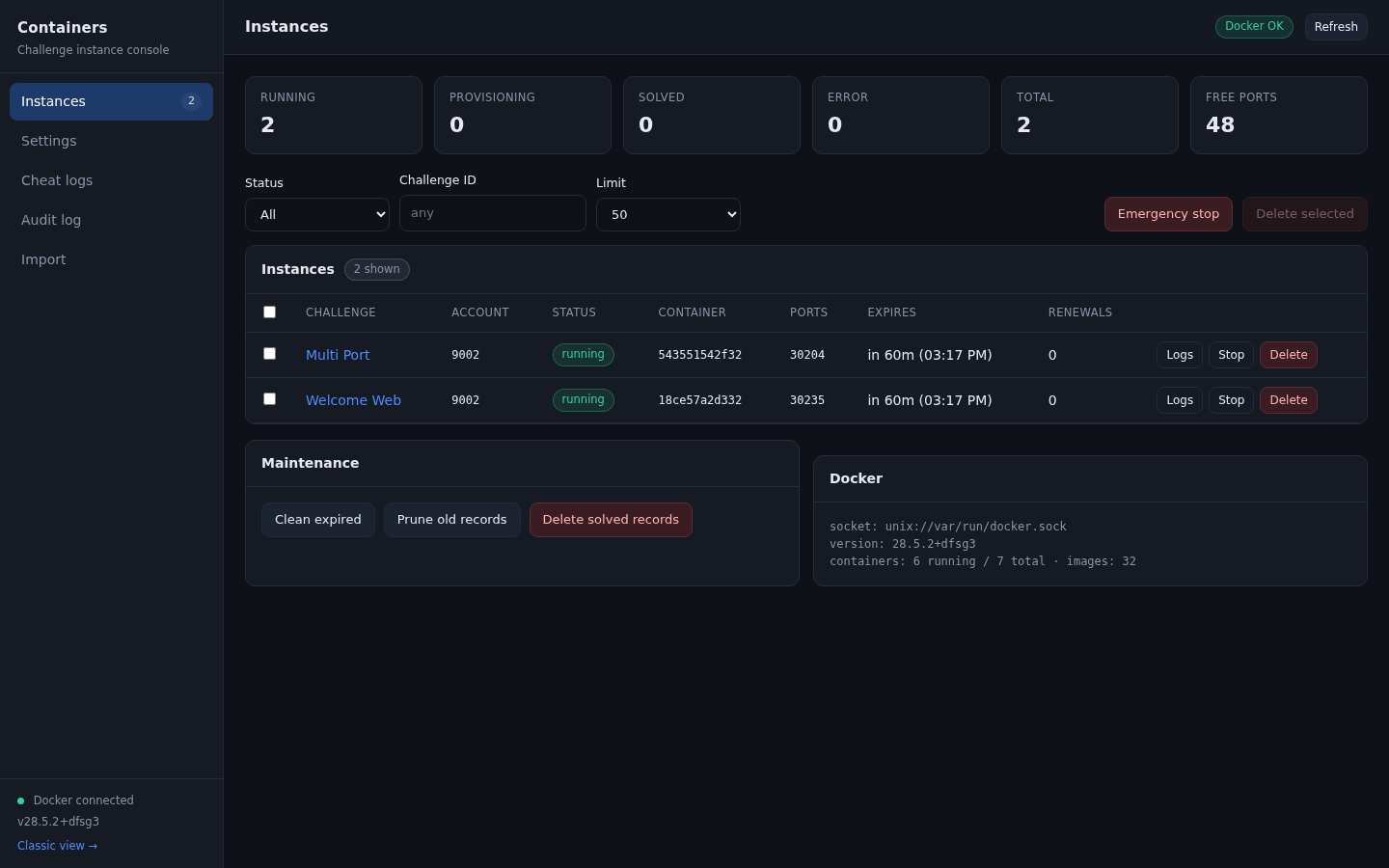
| Admin console | The console, tab by tab |
| Anti-cheat | Flag reuse detection, the two outcomes, auto-ban |
| Subdomain routing | Serving web challenges through Traefik |
| Import | CSV and Excel bulk import |
| Operations | Background jobs, expiry, retention, recovery |
| Security | Isolation model and its limits |
| Troubleshooting | Common errors and fixes |
| Compared with other projects | whale, CTFd-owl, rCTF, kCTF, redpwn/jail |
| Changelog | What changed and why |
Browsers send cookies to every port on a hostname. If challenge containers are published on the same hostname as CTFd, a challenge with a remote code execution bug can steal player session cookies. Use a separate hostname or IP for challenges. See Security for the full picture.